At work my projects are organized something like this:
~/Work
├── back-end
├── front-end
└── docs
That docs folder has everything: architecture decisions, runbooks, onboarding guides, API contracts. The team keeps it in Markdown, versioned in git. It’s actually pretty good.
The problem is that I kept forgetting it was there, or I’d have to open a separate VS Code window just to read it. Sometimes I’d just open GitHub instead — and then I’m in a browser, which is never just one tab.
What TeamDocs does
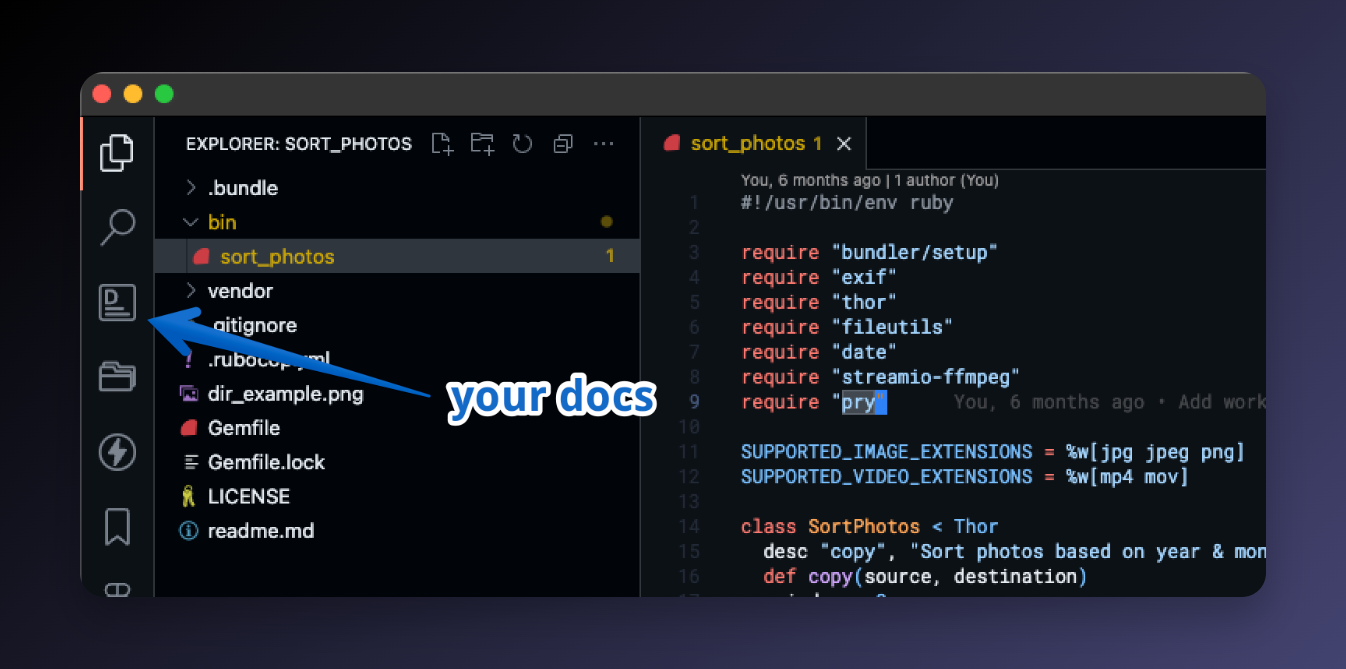
TeamDocs adds a Team Docs icon to your VS Code Activity Bar. You point it at your docs folder:
"teamdocs.path_to_docs_folder": "~/Work/docs"
And that’s it. From that point on, your docs are always there in the sidebar — doesn’t matter which project you have open.
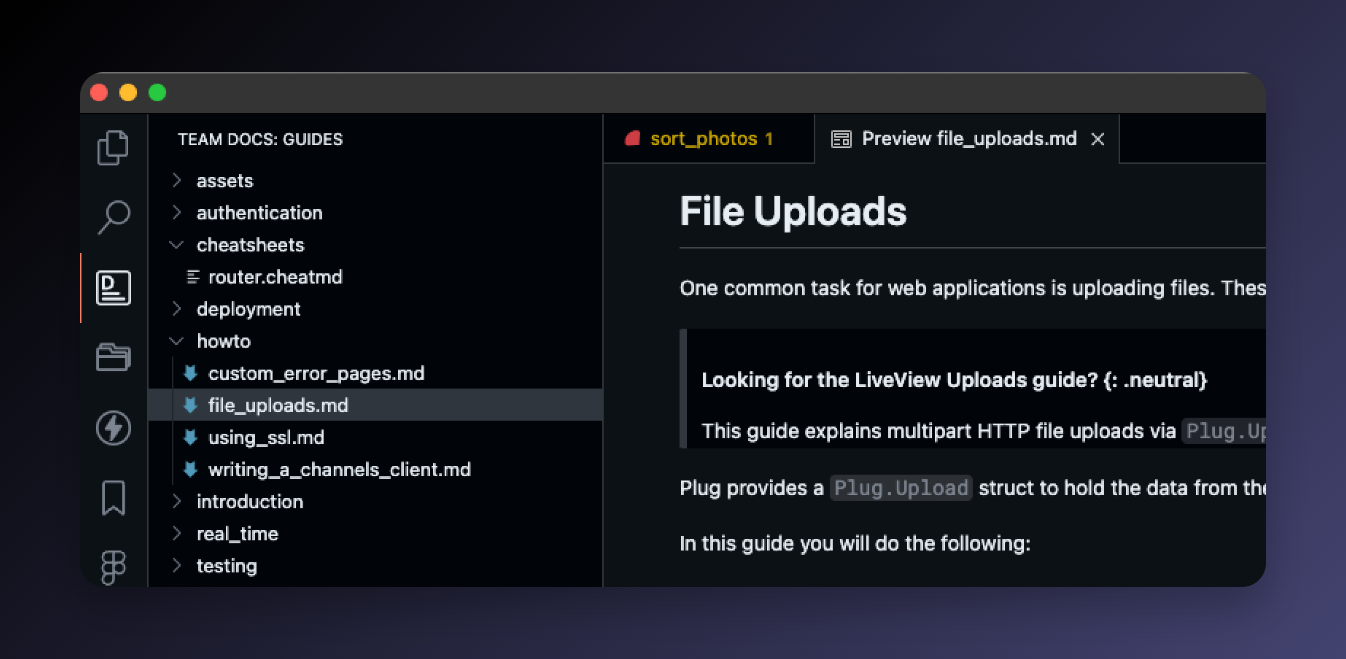
Click any Markdown file and it opens as a rendered preview, not raw source. Headings, code blocks, tables — all formatted.
The search is the best part
The Activity Bar view is nice for browsing, but the real time-saver is the search command.
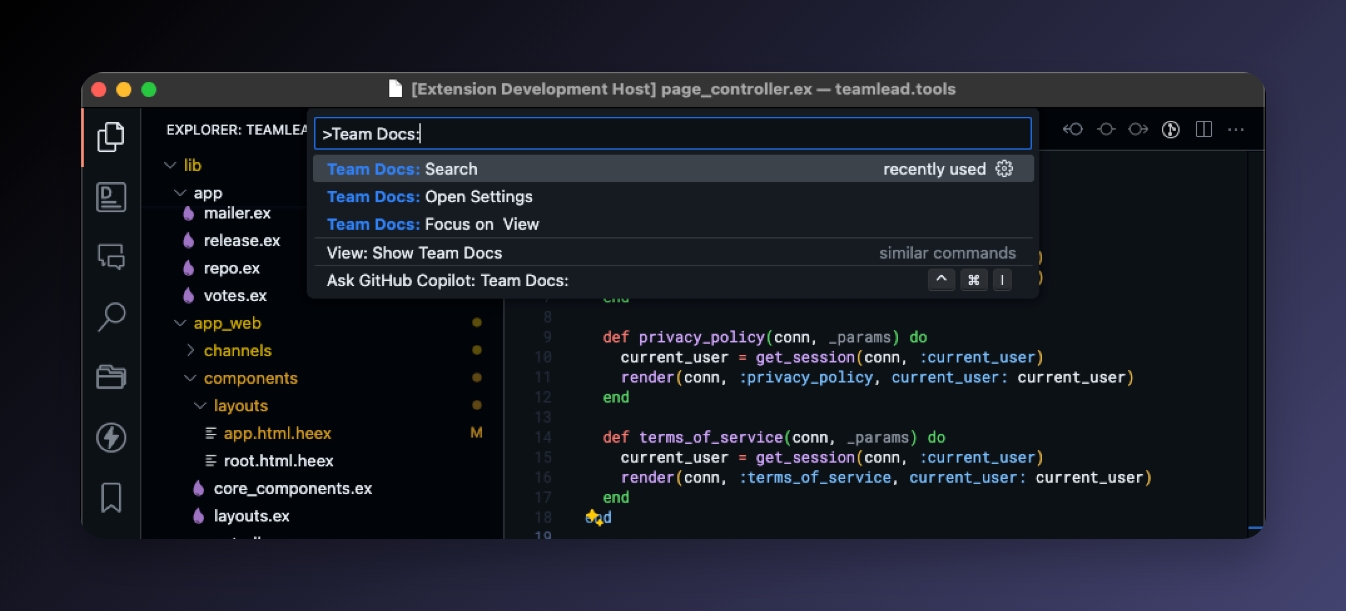
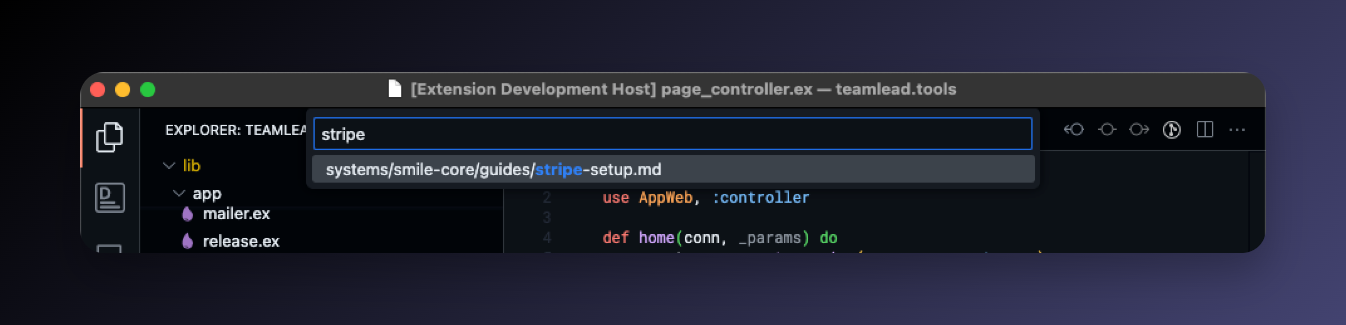
Run Team Docs: Search and type a few characters to find any file instantly — same fuzzy picker as the rest of VS Code.
I use it mostly for two things:
- Checking a past decision while writing code (“did we agree on UUIDs or integers for this?”)
- Finding a runbook mid-incident without opening a browser
Why it’s worth it
Opening a browser tab to check something in the docs is never just opening a browser tab. You’re suddenly exposed to Slack, email, GitHub notifications. The doc check takes 30 seconds, the recovery takes longer.
Having the docs in the same window isn’t revolutionary. It just quietly removes one of the most common reasons to leave the editor.
Setup
- Install TeamDocs from the VS Code Marketplace or Open VSX
- Set
teamdocs.path_to_docs_folderto your docs folder - Click the Team Docs icon in the Activity Bar
Takes about a minute. Works across every project and workspace after that.
